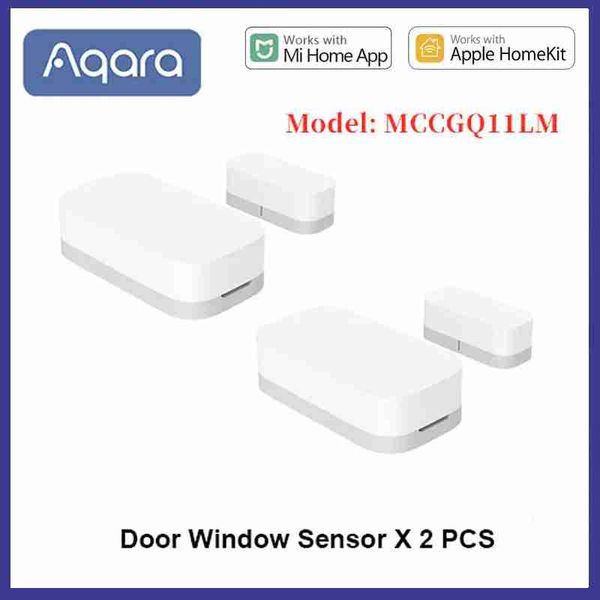
Aqara 智慧門窗感應器 Zigbee 迷你門感應器無線連接警報智慧家居適用於米家米家網關 HomeKit
$444
商品詳情
電源:直流
含電池:是的
它包括無線通訊嗎:是的
收件匣適配器:No
NO
溝通方式:Zigbee
State of Assembly:Ready-to-Go
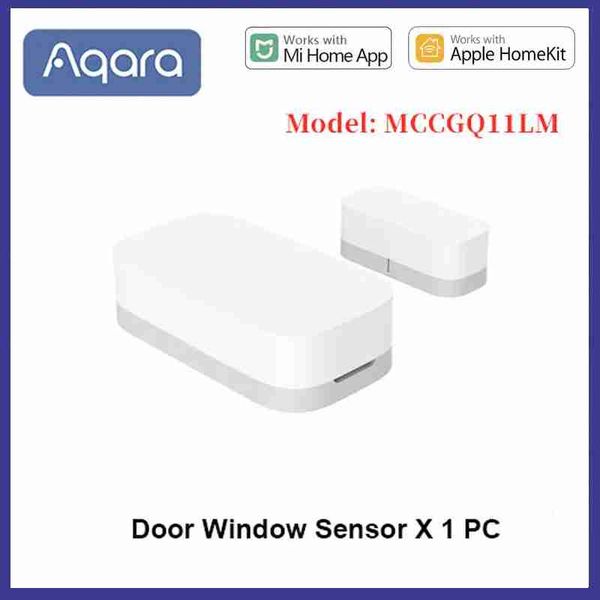
Model Number:MCCGQ11LM
Brand Name:Aqara
Power Source:DC
Origin:Mainland China
Certification:CE
Feature 9:XIAOMI SENSOR
Max Speed:Door Window Sensor
Scale:1:5
Features:Ride On
Feature 10:Original Door Window Sensor
Feature 3:xiomi
Feature 4:zigbee
Feature 8:aqara smart door
Feature 7:AQARA DOOR WINDOW SENSOR
Control Channels:2 Channels
Plug Type:EU Plug
Feature 2:xiaomi
xiami:Smart Home
Gyro:Door Window Sensor
Feature 6:mi door sensor
Feature 5:xiaomi zigbee
Feature 11:Door Sensor Zigbee
support:dropshipping
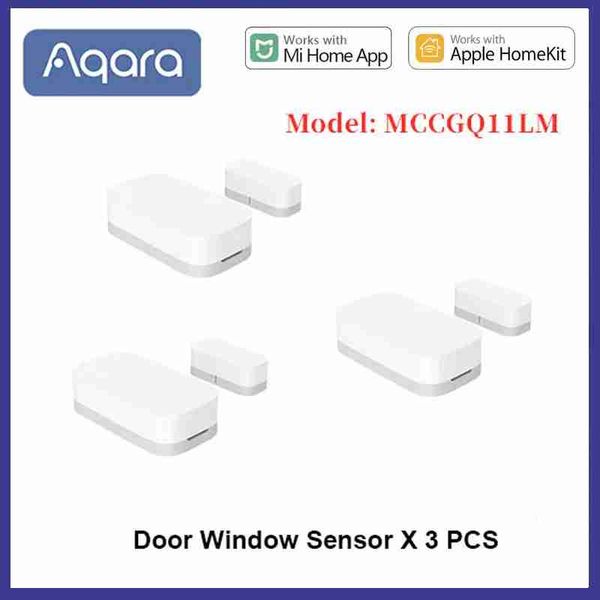
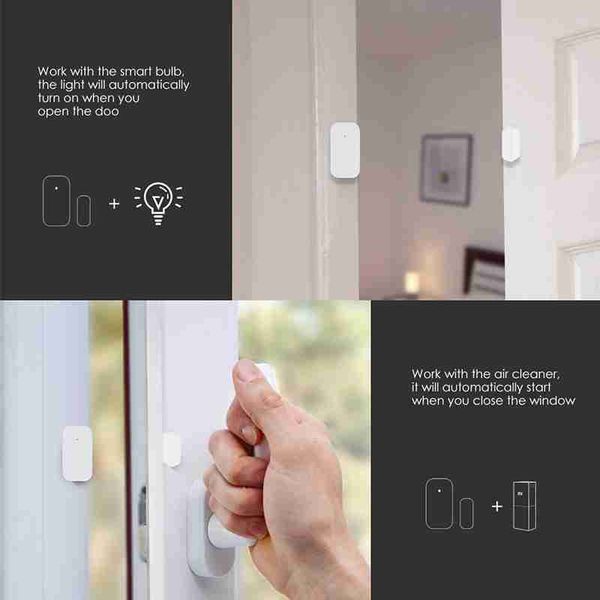
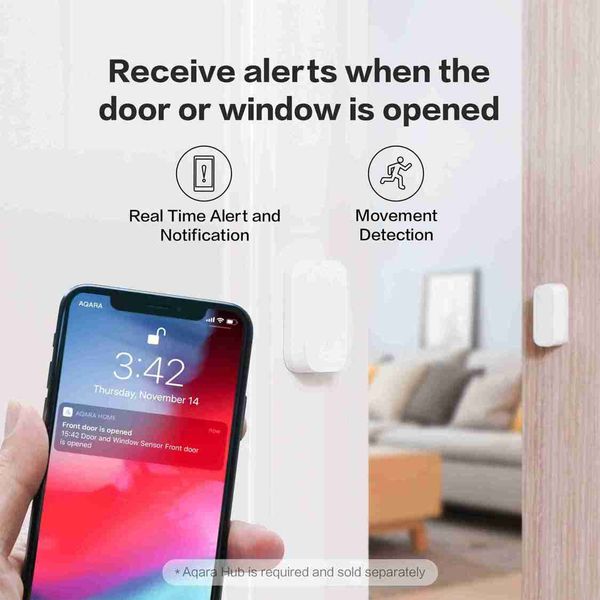
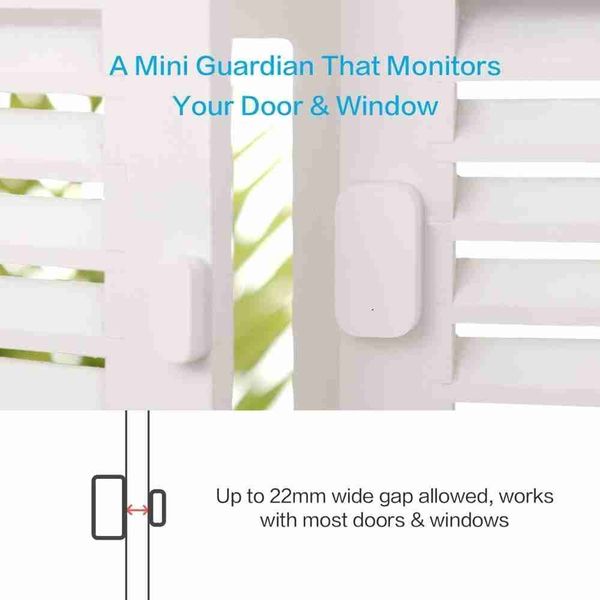
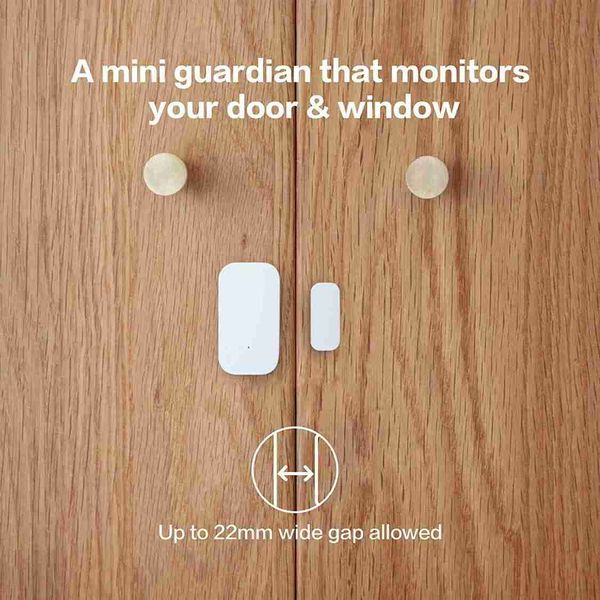
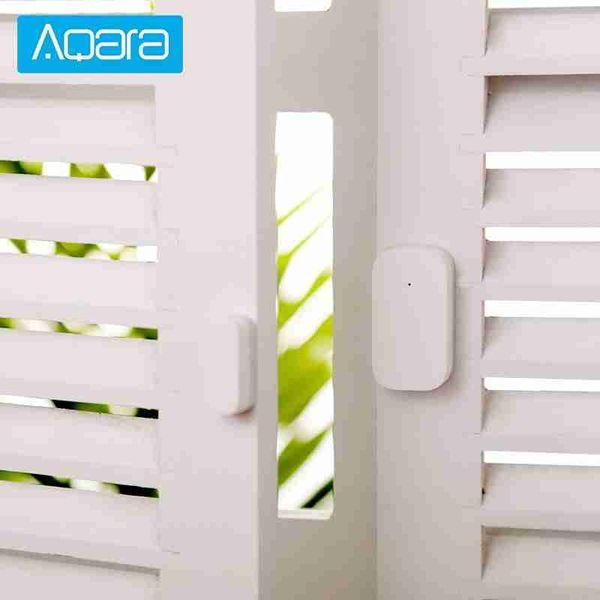
Aqara 門窗感應器 Zigbee 無線連接智慧迷你門感應器與米家米家 APP 搭配使用,適用於 Android IOSAQARA門磁的產品型號為MCCGQ11LM。小米Aqara智慧門窗感應器可以偵測門窗的開啟和關閉,並透過APP向手機發送通知。感應器可與網關遙控器、智慧燈泡、空氣清淨機等其他小米智慧設備相匹配,幫助您打造智慧家庭。門窗感測器由感測器主體和磁鐵組成。它透過感應感測器主體與磁鐵的靠近和分離來偵測門窗的開啟和關閉。主要特點:• 原廠小米 Aqara 智慧門窗感應器,確保日常安全• ZigBee 無線連接• 觸發警報:開門時燈亮並響鈴,推門時燈自動亮。• 離家模式:如果有人闖入,門鈴就會響起,IP 攝影機(No包括)會拍攝影片• 智慧感應器:打開窗戶讓新鮮空氣進入房間• 體積小,易於安裝• 最大感應距離:22mm• 工作溫度:-10 - 50 攝氏度• 工作濕度:0 - 95% RH• 內建 1 顆 CR1632 電池• 請從 Apple Store 或 Google Play 下載「米家」APP本產品需搭配AQARA HUB或小米多功能閘道使用。 aqara門窗感應器智慧感知每扇門窗即時感知窗戶開啟/關閉狀態*本產品需搭配具備網關功能的設備使用(No支援第一代MI多功能網關)。智慧感知每一扇門窗Aqaral窗戶感應器貼在家中的[和商]上,可以即時感應和商的開關記No住門窗關了沒?拿出手機就能看到。入侵者,立即報警並錄影啟用警報模式後,當有人闖入房屋時,Aqara 門窗感應器會偵測門窗打開後,網關立即報警,並聯動Aqara智慧攝影機拍攝小景物頻繁發送給您智慧型手機.aqara空調伴侶+aqara門窗感應器+aqara智慧攝影機打開門,燈自動亮晚上下班回家時,打開門,Aqaral窗戶感應器連動Aqara牆壁開關自動開燈,無論多晚,總有一盞燈在等你。aqara空調伴侶+aqara門窗感應器+aqara牆面開關打開窗戶通風時,空調會自動關閉aqara空調伴侶+aqara門窗感應器+小米空氣清淨機低功耗技術高品質工藝Aqara 門窗感應器採用紐扣電池供電,使用壽命長達兩年。aqara door and window sensor is judged by the proximity and separation of the sensor body and the magnetDoors and Windows open and close, quick response, no delay felt in use. Shell resistantUV material, ensure that the appearance of the sensor long-term colorless: moisture-proof process, even inIt works well in the wet south.★ The battery life is the typical value calculated under the standard measurement method in the environment of Green Mi Laboratory. The actual battery life may vary with the change of the environment or test method.The connection is easy and only takes two stepsAdd aqara Door and Window sensors in the Mijia /aqara/homekit app and long press the side reset button according to the voice and graphic promptsTool free installation and ready-to-useAqara window sensor tool free installation, directly pasted in doors, Windows, drawers, cabinets and other places, immediately paste.During installation, ensure that the spacing between the labels is smaller than 22 mmFAQQuestion 1: How to install Aqara door and window sensor? Can the sensor body and magnets be swapped left and right?Answer: 1. As shown in the instruction manual, align the main body and the magnet's installation markings, and install one on the door and window fixing surface and the other on the opening and closing surface (it is recommended to install the main body on the fixed surface); 2. The main body and magnet The distance should be less than 22mm; 3. It can be changed from left to right, but the main body and the magnet's installation marks must be aligned; 4. Due to the complicated indoor environment, adjusting the relative positions of the multi-function gateway and the door and window sensors can obtain a better communication environment; 2. As metal has a weakening effect on wireless signals, do not install the door and window sensors on metal parts of doors and windows.Question 2: How to install the door and the door frame on different planes?Answer: Turn the magnet 90 degrees. It is best to mount the sensor body on a non-moving door frame and magnets on the door to better protect the sensor. The distance between the sensor body and the magnet is less than 22mm, but at the same time, it should not be installed too close, so as to avoid collision due to contact and damage.Question 3: How far is the Aqara door and window sensor from the gateway for normal communication?A: In a complex indoor environment, if there is a wall separation between the door and window sensors and the gateway, the distance between the two needs to be reduced accordingly to achieve better communication.Question 4: What is the reason for the connection failure of Aqara door and window sensors? How should I reconnect?Answer: Possible reasons: 1. Operation error, please re-add the device according to the method of adding the device; 2. Too far from the gateway, move the device close to the gateway and add the device again; 3. The gateway exceeds the load of the sub-device.Question 5: Why do Aqara door and window sensors often go offline?Answer: Possible reasons: 1. The device is far away from the gateway. Please verify the distance between the sensor and the gateway and install the device near the gateway. 2. The battery is low or the battery is dead, please replace it with a new battery. 3. Zigbee is installed on a metal surface and the signal is disturbed.Question 6: How can I tell if Aqara door and window sensors are working properly?Answer: ① Click the reset button on the main body of the door and window sensors, and the gateway emits a sound “connected normally”, which means that the sensor and the gateway communicate normally, go to ②; if there is no prompt, move the sensor closer to the gateway and try again. A beep sounds, the sensor may have been deleted or the battery is exhausted. Please refer to the sub-device adding method or battery replacement method to re-add the sub-device or replace the new battery; ② Close and separate the sensor body and the magnet 2 to 3 times, and then enter The main page of the Aqara door and window sensor in the app, if the status changes, it means that the device is working properly.Question 7: What are the functions of Aqara door and window sensors?Answer: 1. Aqara door and window sensor can be installed on the door or window to sense the door or window switch status in real time; 2. Used in conjunction with other smart devices, when the door or window is sensed to open or close, the switch of the control device or other action.Question 8: Aqara door and window sensors sometimes work and sometimes do not work?Answer: 1. The distance between the sensor body and the magnet may be too large. Please check the distance between the sensor body and the magnet. The distance between the two cannot be greater than 22mm; 2. The distance between the sensor and the gateway may be too long. After confirming that the distance between the sensor body and the magnet is within 22mm, click the reset button of the sensor at the installation position of the sensor. If the gateway emits a beep, it means that the sensor can effectively communicate with the gateway at this installation position, otherwise move the sensor Near the gateway.Question 9: How do I reset the Aqara door and window sensors? Under what circumstances?Answer: 1. Press and hold the reset button of the device for 3 seconds, the indicator flashes 3 times, and the factory settings are restored. 2.In the case that the bound sensor is re-bound to another gateway, the sensor needs to be reset before the sensor can be successfully bound to the new gateway.東九龍倉庫網站https://shophoho.com
客服WhatsApp:9444 2816
送貨詳情
付款方式


Aqara 智慧門窗感應器 Zigbee 迷你門感應器無線連接警報智慧家居適用於米家米家網關 HomeKit
$444
數量
同店推薦
關於我們
如何購買
條款細則
聯絡我們
HOHO MALL / HOHO商城(香港九龍東倉庫網站平臺)
WhatsApp: 9444 2816
聯絡電郵:batishgarth@gmail.com
週一至週六: 09:00-22:00
星期天: 09:00-20:00
公眾假期: 休息